

The Future of the EC$ is Digital!
What is DCash?
- DCash is a digital version of the Eastern Caribbean (EC) currency - our legal tender in digital form.
- The Eastern Caribbean Central Bank (ECCB) is using the latest technology to provide a new payment option to advance financial services within its member countries
- The ECCB has partnered with several financial institutions, local and regional businesses, and consumers, within Antigua and Barbuda, Grenada, Saint Kitts and Nevis, and Saint Lucia.
DCash Benefits
- Anyone, with a smart device, can download and sign up to use DCash.
- There are no hidden charges or fees for using DCash
- DCash transactions are concluded faster than with cash or cards
- You can transfer DCash directly from your bank account
- DCash exists in your DCash account, accessible via your digital wallet on your smart device.
- Using DCash is safer than carrying large sums of money
- If you lose your smart device, you do NOT lose your DCash.
- DCash is contactless. There is no required touching of other individuals or foreign objects
- DCash is issued and guaranteed by the ECCB
- DCash facilitates the safe and instant transfer of money between individuals or businesses, locally or within the Eastern Caribbean Currency Union (ECCU).
How to make a Payment
- Tap Pay on the bottom of the wallet home screen.
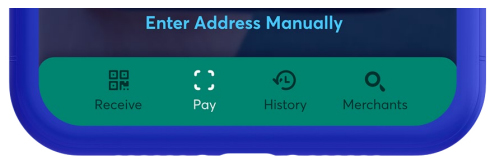
- There are three ways in which you can send a payment:
- Payment QR Code – If the person or merchant, to whom you are sending money, has the DCash wallet application, you can simply scan their payment QR code
with your smart device. - Paste the Payment Code – If you received the payment code of the recipient, via text message or another app, you can either tap the link, or copy and paste the code into the app.
- Enter the Payment Code Manually – To type the payment code yourself, tap Enter Code Manually
- After you scan the payment QR code, tap the payment link, or manually enter the payment code, tap Continue, then enter the amount of the payment.
- Tap Continue again.
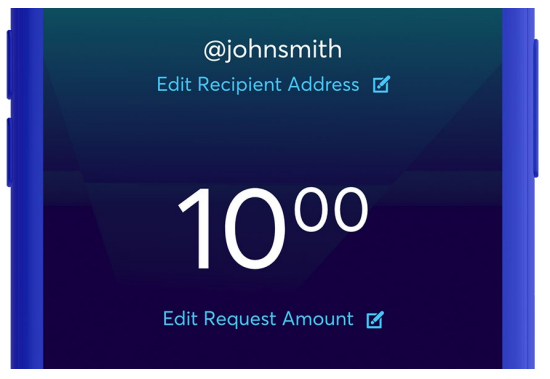
- On the Review Payment screen, make sure that the recipient and the payment amount are correct.
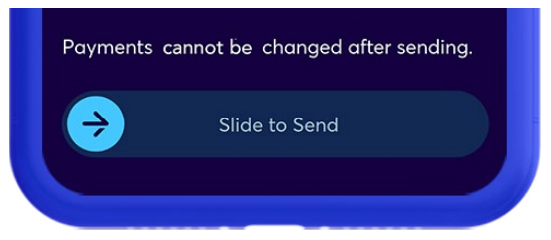
- Slide to Send the money